
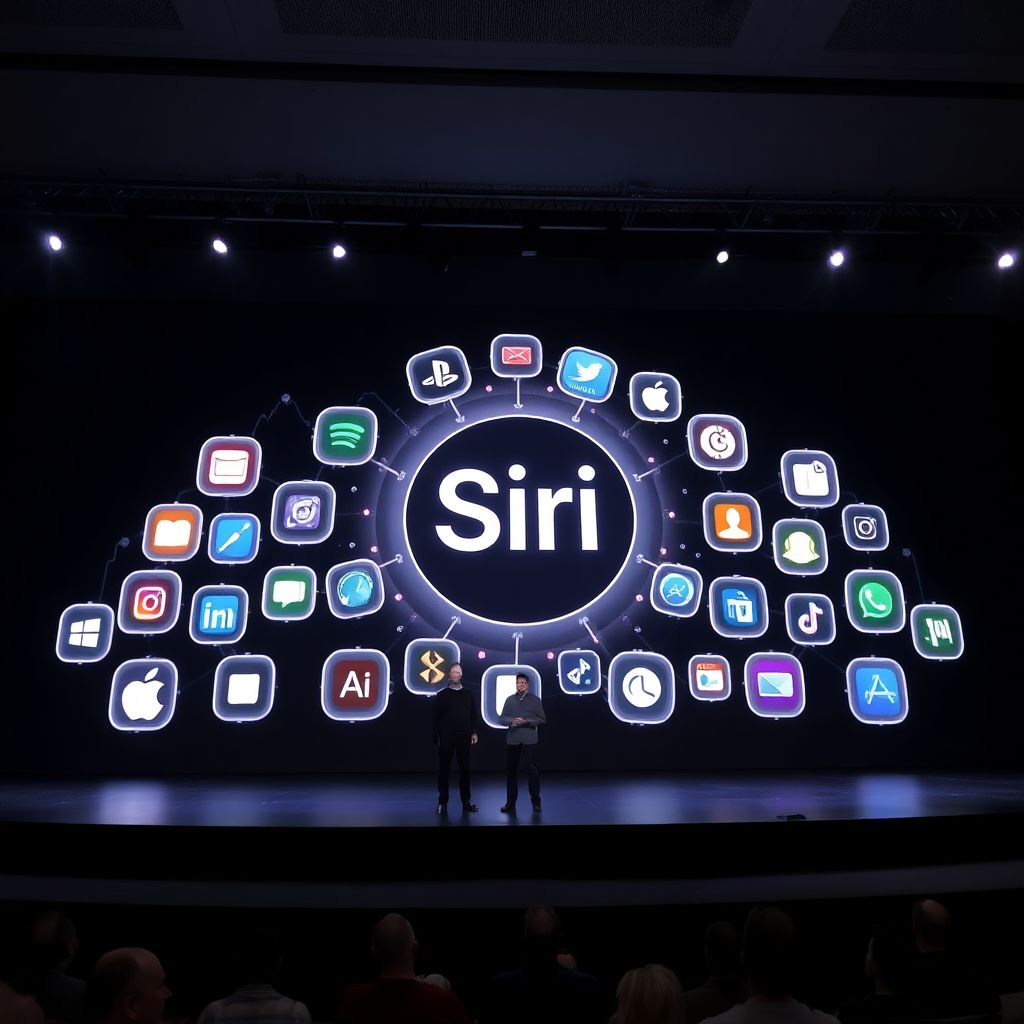
Apple debuts overhauled Siri AI and sweeping software upgrades at WWDC as shares slip
Apple used its latest Worldwide Developers Conference to unveil a major overhaul of Siri, introduce new Apple Intelligence capabilities, and roll out an extensive set of family safety and performance upgrades across its operating systems. The ambitious software push landed on the same day the company’s stock finished lower, despite the scale of the announcements.
The new software lineup spans iOS 27, iPadOS 27, macOS 27, watchOS 27, visionOS 27, and tvOS 27. Each platform receives design refinements, interface tweaks, and under‑the‑hood changes aimed at making devices feel faster and more responsive. Apple framed the releases as a coordinated step forward: a unified, AI‑driven experience rather than a collection of isolated updates.
Siri AI becomes a system‑wide assistant
At the center of Apple’s strategy is Siri AI, a complete reimagining of the company’s assistant that will eventually replace the traditional Siri experience on iPhone, iPad, Mac, Apple Watch, and Apple Vision Pro. Instead of acting like a simple voice bot, Siri AI is positioned as a deep system layer that understands context and can orchestrate actions across apps.
Apple says Siri AI can tap into personal context to search messages, emails, photos, calendar events, and other on‑device content. For instance, users can ask about “the address from John’s last email” or “the photo we took at the beach last August,” and Siri AI can pull relevant information without requiring manual digging. Expanded system‑wide actions will allow the assistant to complete multi‑step tasks, such as sharing a document, editing a reminder, or adjusting a set of device settings in one go.
Privacy remains a central talking point. Apple stresses that the underlying architecture is designed so that sensitive information is processed in a way that minimizes exposure, even as the assistant becomes more capable and more tightly integrated with personal data.
New ways to interact with Siri
Siri AI is also gaining a better sense of context about what’s on the screen. The assistant can now answer questions related to currently displayed content, such as summarizing a long article, clarifying a phrase in a message thread, or highlighting key details from a document that’s open on the device.
When necessary, Siri AI will reach out to the web to pull current information, expanding beyond the previous Siri’s more limited knowledge set. To make the assistant feel more like a productivity hub, Apple is introducing a standalone Siri app. This app lets users review previous interactions, continue conversations, and start new queries from a single location instead of relying only on voice or scattered shortcuts. Conversation history will sync privately across devices via iCloud, so users can pick up where they left off on any Apple product they own.
Apple Intelligence expands across core apps
Alongside Siri AI, Apple is rolling out an updated wave of Apple Intelligence features aimed at everyday tasks. The Photos app gains advanced editing tools, making it easier to clean up images, tweak details, and manage large libraries without turning to third‑party software.
Safari receives enhancements aimed at multi‑tab browsing, giving users better control over complex browsing sessions and long research trails. Messages and Mail both see refinements for everyday communication, with smarter handling of conversations and inboxes to help users stay organized.
Image Playground, Apple’s creative environment, will also benefit from new Apple Intelligence capabilities. It will offer more flexible and powerful creation tools, giving users additional ways to generate and manipulate graphics, illustrations, and visual content directly on their devices.
Stronger parental controls and child safety tools
A major part of the updates focuses on families. Apple is significantly expanding its parental control toolkit for managing child accounts. During initial device setup, parents will be walked through a redesigned flow that lets them choose which apps their children can access right away and which apps can be added later. These controls are not limited to a handful of settings; they are integrated across the system as age‑based protections that automatically apply when a child account is created.
A revamped Setup Assistant guides parents step‑by‑step, clarifying what each permission means and helping them craft appropriate digital boundaries based on the child’s age and maturity level. This is meant to reduce confusion and prevent children from accidentally gaining access to unsuitable apps or content.
Communication safety gets more granular
Communication safety tools are being upgraded with more detailed controls. Parents will have the option to require approval before a child can add new contacts, creating an extra layer of oversight around who their children can message or receive messages from.
The system is also designed to step in when it detects explicit, violent, or otherwise inappropriate material. Apple says the devices can provide warnings, blur harmful content, and suggest safer choices while still preserving user privacy. All of these measures are geared toward helping families oversee communication and content exposure in a more proactive, less reactive way.
Screen Time, Apple’s flagship digital wellbeing feature, is being visually refreshed. Usage charts are now easier to read, with clearer breakdowns of where time is spent and which apps dominate attention. The goal is to make it simpler for parents and users themselves to understand their digital habits at a glance.
More precise time and app usage management
New Screen Time options allow families to set daily limits across broad categories such as Entertainment, Games, and Social Media, rather than adjusting each app one by one. The system can even suggest reasonable daily allowances based on guidance from clinical and child development experts, offering a starting point for parents who are unsure how strict to be.
Schedules can be configured to control access at specific times of day-for example, locking social apps during school hours while keeping educational tools available, or cutting off entertainment apps at bedtime. Screen Time now highlights average usage and lists top apps, giving a clearer picture of where time is going. Alongside these software changes, Apple is adding a dedicated family safety information hub within its ecosystem, gathering guidance and best practices for parents in one place.
Performance boosts across the ecosystem
Beyond AI and family features, Apple is emphasizing raw performance. The 2027 software releases are billed as notable speed upgrades across many devices. According to the company, apps on iPhone and iPad can now launch up to 30% faster, making everyday navigation snappier even on older hardware.
Photos are said to load up to 70% faster after being taken, reducing the lag between capture and review. AirDrop transfers could see up to 80% faster performance, smoothing out the process of sharing large files between Apple devices. For professionals, external drive browsing on iPad may run up to five times faster, which could significantly improve workflows that depend on external storage.
Smarter search and better connectivity
Search is another area receiving a major overhaul. Apple has reworked search mechanisms within Spotlight, Photos, and Mail to focus on stability, speed, and relevance. Mail in particular will use a new ranking model to surface the most important results when users search their inboxes, cutting down on time spent digging through clutter.
Connectivity gets some attention as well. Apple says that switching between cellular and Wi‑Fi networks will be smoother and more reliable, which is especially important for users who move frequently between home, office, and public networks. These changes target the kinds of routine tasks-searching, sending emails, moving between apps and networks-that collectively define the daily experience of using Apple devices.
Why Apple is betting big on Siri AI and Apple Intelligence
Taken together, these upgrades show Apple leaning heavily into on‑device intelligence rather than purely cloud‑hosted AI. By elevating Siri AI into a central, context‑aware assistant and spreading Apple Intelligence into more apps, the company is trying to make its devices feel more personal, anticipatory, and helpful without compromising its long‑standing privacy messaging.
This strategy also positions Apple to compete more directly with AI services from rivals that have raced ahead with chatbots and generative tools. Instead of focusing on just one flashy AI feature, Apple is integrating intelligence into everyday workflows-editing photos, browsing the web, drafting messages, and managing schedules-hoping that cumulative convenience will keep users locked into the ecosystem.
Expanded parental controls as a strategic differentiator
The strengthened family safety and parental control features are more than just incremental improvements. As concerns about screen time, online harm, and youth mental health grow, Apple is turning its platform‑level controls into a key selling point for parents and schools. Clearer setup flows, age‑based protections, and communication safety checks create a package that is difficult for basic app‑level solutions to match.
For Apple, these features also help reinforce hardware sales: parents may feel more comfortable upgrading or buying additional devices if they believe the software ecosystem offers robust guardrails. Over time, these tools could influence institutional purchasing decisions in education and family‑oriented programs.
The market’s reaction: big announcements, lower stock
Despite the broad scope of the new features, Apple’s stock finished in the red on the day of the announcements. AAPL closed regular trading at 301.54 dollars, down 5.80 dollars, or 1.89%. In after‑hours trading, the stock slipped further to 300.67 dollars, a decline of 0.87 dollars, or 0.29%.
Intraday charts showed early trading close to the 308‑dollar level before a sharp morning move that briefly pushed the stock above 315 dollars. For a period around midday, Apple traded in a range between roughly 312 and 315 dollars. That stability broke with a sudden drop that dragged the price below 310 dollars, followed by continued selling that took shares under 305 dollars.
By late trading, the stock hovered near 300.67 dollars, around the lower end of the session’s range. Volumes were heavier during the midday reversal and subsequent downturn, suggesting active repositioning by traders. The session closed below a reference area around 308.06 dollars, underscoring that investors, at least in the short term, were not prepared to reward the software announcements with higher prices.
Why the stock might have dipped despite positive news
Short‑term market reactions often reflect expectations rather than absolute quality of announcements. It is possible that investors had priced in even more aggressive AI moves or clearer revenue‑driving features, such as new subscription services or hardware‑linked AI upsells. If the updates were seen as evolutionary rather than revolutionary from a monetization standpoint, traders might have taken profits after an earlier run‑up in the shares.
Another factor is timing. Major developer conferences sometimes become “sell the news” events, where speculators exit positions once anticipated announcements are confirmed. Broader market conditions, sector rotations, or macroeconomic concerns can also weigh on large‑cap tech stocks on any given day, even when company‑specific news is largely positive.
What this means for Apple users and developers
For everyday users, the most immediate impact will likely be felt in three areas: a more capable Siri, smoother performance, and stronger family controls. Users who rely heavily on their iPhone or iPad for daily tasks may notice shorter load times, smarter search, and more relevant assistant responses. Parents gain clearer levers to shape how children use devices and interact online.
For developers, the new Siri AI and Apple Intelligence tools open opportunities to integrate deeper actions and smarter behaviors into their apps. If Apple provides robust APIs that allow third‑party apps to tie into Siri’s expanded system‑wide actions, it could encourage a new wave of AI‑aware applications optimized for Apple’s ecosystem.
The broader outlook
The 2027 software cycle underscores Apple’s long‑term direction: deeply integrated AI that runs as close to the device as possible, packaged with tangible quality‑of‑life improvements rather than just headline‑grabbing demos. Even if the stock did not immediately benefit, these updates are part of a multi‑year effort to ensure that iPhone, iPad, Mac, and Apple’s newer platforms remain central to users’ digital lives.
How strongly this strategy pays off will depend on execution-how reliable and useful Siri AI becomes in real‑world use, whether Apple Intelligence features feel intuitive rather than intrusive, and how families respond to the expanded safety tools. But from a software perspective, WWDC’s announcements signal that Apple intends to compete in the AI era on its own terms: tightly integrated, privacy‑forward, and spread across every screen it makes.